How to Streamline Collaborative PDF Editing Like a Pro
Learn proven methods and essential tools to manage multi-user PDF editing without the chaos, saving time and ensuring version control.
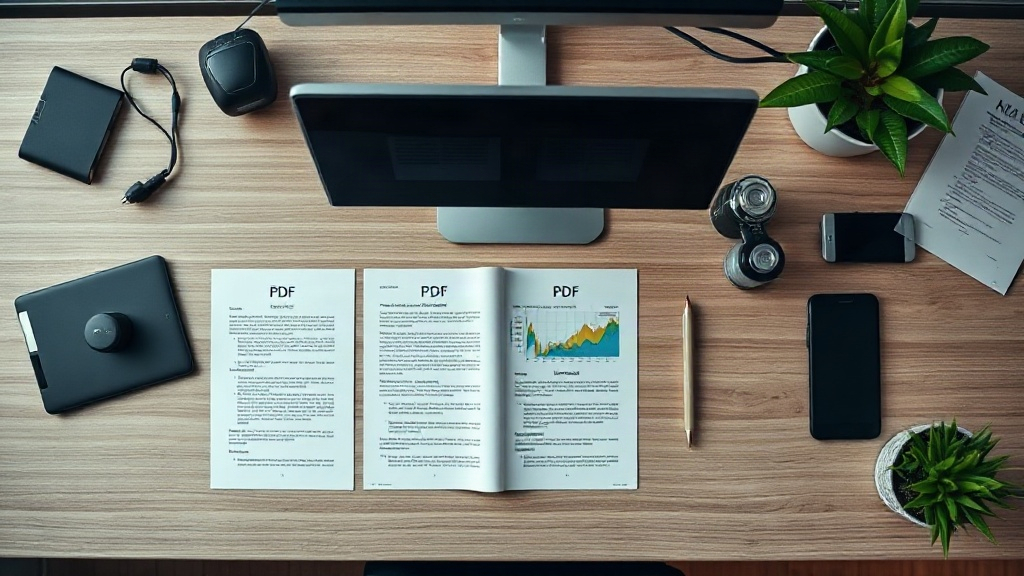
Managing a document when multiple people need to add their input can quickly become as chaotic as a disorganized project launch. For PDFs, this collaborative editing process is a common source of frustration, leading to lost changes, version confusion, and security risks. This guide provides a structured, actionable workflow to streamline collaborative PDF editing, ensuring clarity and efficiency from the first comment to the final approval.
The cornerstone of successful collaboration is a clear pre-editing protocol. Before any file is shared, establish the ground rules. Determine who needs to view, comment, or edit the original text. Decide on the primary tool everyone will use, whether it's Adobe Acrobat, a dedicated online PDF editor, or a cloud storage solution with built-in annotation features. This alignment prevents the all-too-common scenario of receiving feedback via five different apps, each in a different format.
Next, master the art of layered feedback. Instead of allowing direct edits that overwrite the original text, insist that all collaborators use the Comment and Markup tools. This creates a non-destructive layer of suggestions—highlighted text, sticky notes, and drawn corrections—that sits on top of the PDF. The document owner can then review each suggestion individually and accept or reject changes systematically, maintaining a clean audit trail of who suggested what.
Version control is non-negotiable. Implement a strict naming convention for each iteration of the file, such as "ProjectProposal_v1_JMComments.pdf" or "Contract_Draft_20241015_Final.pdf." Store all versions in a single, central cloud folder with clear access permissions. For larger teams, consider using a document management platform that offers automatic version history, check-in/check-out features, and change notifications to prevent accidental overwrites.
Finally, streamline the approval process. Use features like digital signatures or certified PDFs to obtain formal sign-offs. For internal approvals, many tools allow you to set a status or add a "Final" watermark once all feedback has been incorporated. By following this structured workflow—protocol definition, layered commenting, rigorous versioning, and formal approval—you transform collaborative PDF editing from a chaotic free-for-all into a smooth, predictable, and professional process.
Read Also
How to Create a PDF Document Review Workflow
Implementing a structured review workflow for PDF documents prevents bottlenecks, ensures version control, and streamlines team collaboration. Learn how to set one up.
How to Build Multi-PDF Document Pipelines
Complex projects often require managing multiple PDF files in a sequence. Learn to create efficient, automated pipelines for merging, converting, and processing PDFs.
How to Process PDFs Offline on Any Device
Learn how to work with PDF documents completely offline using browser-based tools and mobile apps that keep your data private.