Every major operating system update arrives with a flurry of feature announcements, often focused on security and flashy new capabilities. For professionals and students who spend their days managing PDFs, contracts, reports, and presentations, the real question isn't just "what's new?" but "how does this help me work smarter?" The evolution of system controls, from managing integrated AI components to refining hardware interactions, offers a hidden opportunity to re-optimize your entire document workflow.
Let's start with the growing presence of AI within our operating systems. New controls that allow users to manage or remove specific AI models are more than a privacy feature. For document-heavy workflows, this is about reclaiming system resources and clarity. An AI model running in the background for predictive text or image analysis consumes memory and processing power—resources that could be better allocated to running multiple PDF editors, performing batch conversions of scanned documents, or smoothly rendering complex design files. By understanding and controlling these components, you ensure your machine's performance is dedicated to your active tasks, not background inference. Think of it as digital desk-clearing: you're removing the unseen tools you don't use to make more space for the essential ones, like your PDF toolkit.
Enhanced authentication methods, such as expanded support for external biometric sensors, directly impact document security and access. In a hybrid work environment, sensitive PDFs—financial reports, signed agreements, confidential drafts—are constantly in motion. Strengthening your login barrier with hardware you trust adds a physical layer of security to your digital vault. This isn't just for logging into Windows; consider the workflow of password-protecting a PDF after editing. A faster, more secure system-level authentication habit makes you more likely to properly secure individual documents before sharing them. It builds a culture of security from the OS up to the file level.
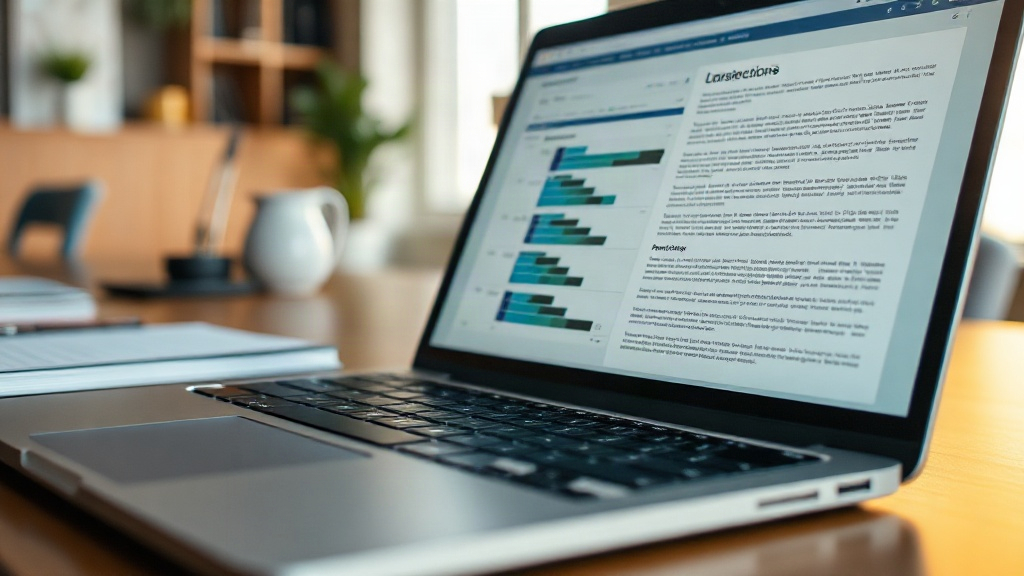
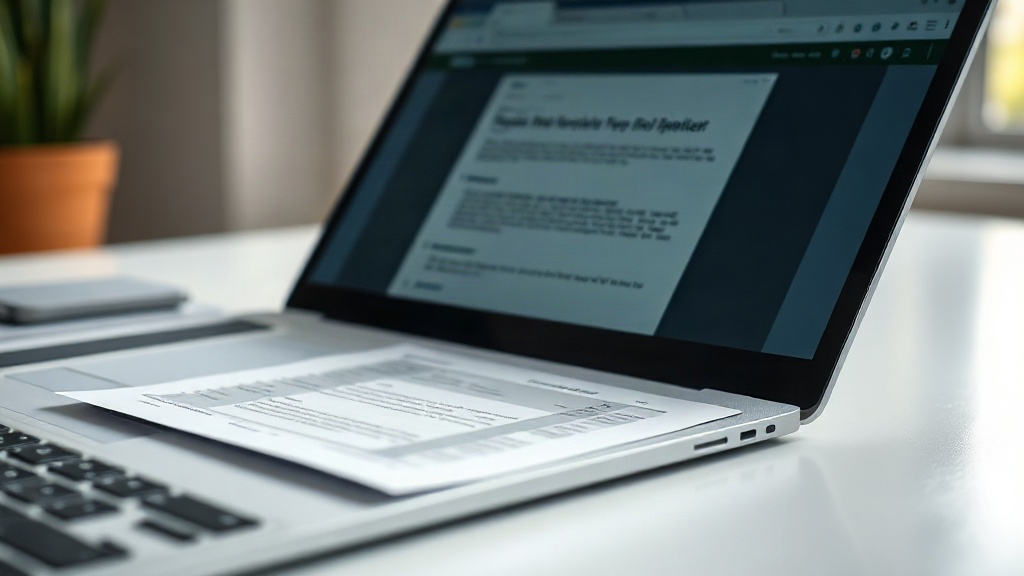
Perhaps the most immediate productivity boost comes from refined touchpad gestures. New system-wide gestures for switching desktops or snapping windows are a game-changer for multi-document workflows. Imagine researching a topic: you have a source PDF open on one virtual desktop, your note-taking app on another, and your final report draft on a third. Fluid, reliable gestures let you switch between these contexts without breaking your train of thought. When comparing two PDF versions for changes, you can snap them side-by-side with a flick. This reduces friction, minimizes time spent managing windows, and keeps you in a state of flow. Your productivity software is only as effective as your ability to navigate between its instances seamlessly.
How do you apply this strategically? First, audit your workflow after a major update. Identify one repetitive document task—like compiling research from multiple PDFs into one summary—and see if a new gesture or snap feature can cut steps. Second, review your system's performance when working with large PDFs. If conversion is slow, check what new background services or AI features you can fine-tune. Third, pair new security features with document habits. Set up a strong Windows Hello method and simultaneously audit the password protection on your most sensitive PDFs.
Ultimately, viewing system updates through the lens of document productivity transforms them from mandatory maintenance into a chance for a workflow tune-up. By aligning new OS capabilities with your daily tasks—editing, securing, organizing, and reviewing documents—you turn abstract features into concrete time savings and a more secure, efficient digital workspace. Your documents are the center of your digital work; make sure your operating system is fully configured to serve them.